Free · No sign-up · Runs locally

Your STL model, visible in seconds.

Open STL files via drag & drop, view your 3D model from every angle, choose materials and lighting, and export images or videos – no installation, no sign-up, completely free.

0
Materials
0
Animation effects
0
Light presets
0
Uploads · all local
Steel Gold Chrome Copper Bronze Titanium Aluminium Matte black Red Blue Orange X-ray Wireframe Normals
Viewer

Viewer

Load a file, rotate, adjust material & light, align.

⬡

Load STL file

Drag a file here or select one

Capture

Animation effect

Axis
Direction
Speed 1.0×

Material

Lighting

Key light
1.30
Fill light
0.50
Rim light
0.70
Ambient light
0.30
Exposure
1.10
Presets
Background
In three steps

From STL model to finished image – without installation.

No tool, no account, no progress bar. File in, adjust, export.

1 Step 01

Load STL file

Drag your .stl file into the viewer or select it. It stays local on your device.

2 Step 02

Adjust the view

Rotate, zoom, pick material and lighting, align and animate – all in real time.

3 Step 03

Export

Save a high-resolution image (PNG) or a short video (MP4) – perfect for shops, docs or social media.

Use cases

One tool, many jobs.

Everything you can do around your 3D models – from the print check to the product shot.

Check before 3D printing

Inspect geometry, proportions and details of your model before you print it.

Present models

Show a model to clients or colleagues right in the browser – no CAD software needed.

Try materials

Test 18 materials from steel and gold to wireframe and find the best look.

Create media

Produce product images and short animations for your online shop, documentation or social media.

Animated videos

3D model videos for website loops and hologram fans

Need an animated video of your 3D model for a project, a website or a 3D hologram fan – with the right background, specific materials and colours? Instead of tediously screen-recording, you set your model up exactly here and export a clean, smoothly rendered MP4 clip directly.
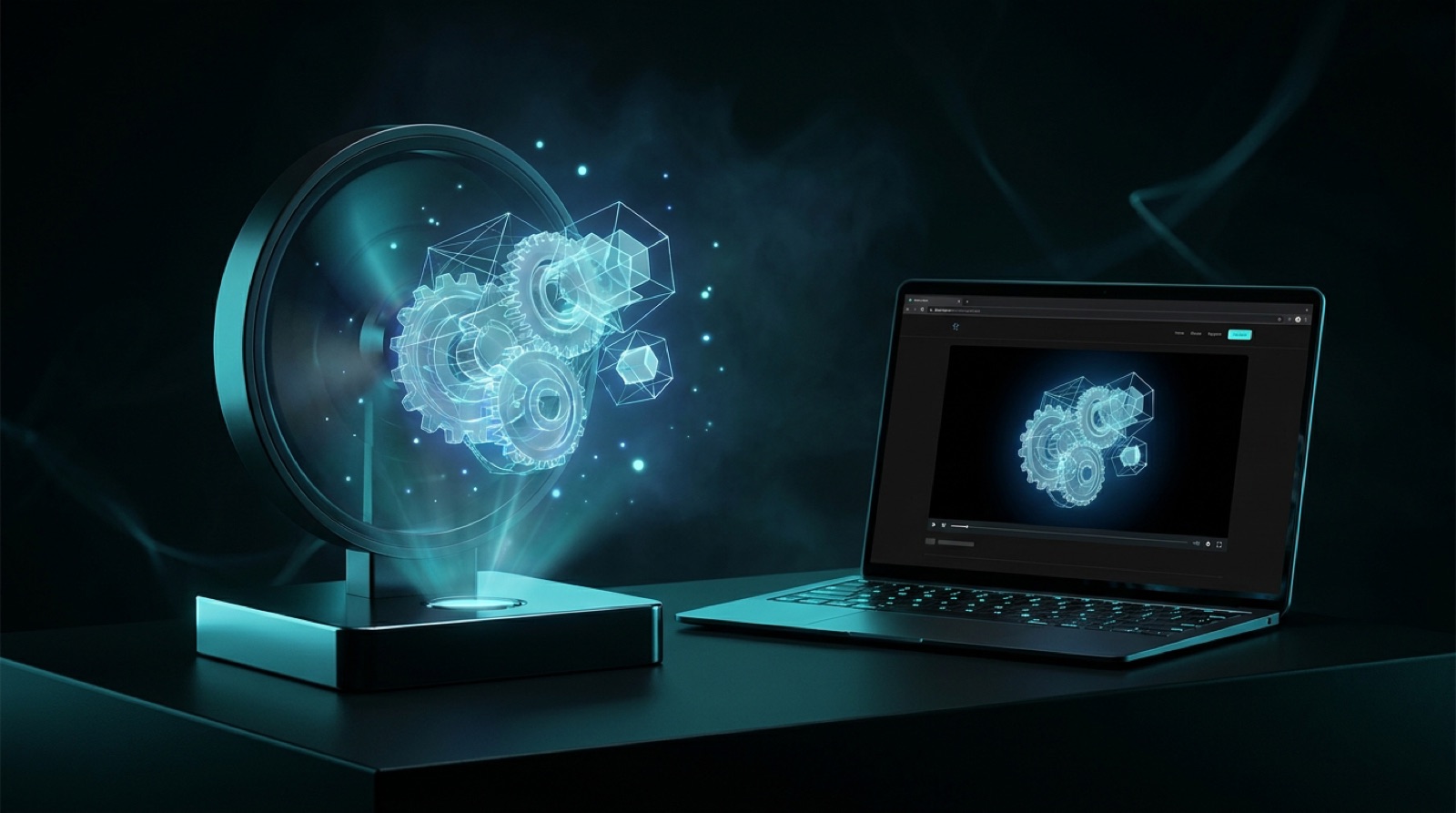
Animated 3D model as video: a 3D hologram fan shows a free-floating, glowing model, next to a laptop with the same model as a video loop on a website.

Seamless loops for your website

Export short clips with a white or matching background – perfect as a subtle endless loop in your hero area, on product pages or in your portfolio.

Clips for 3D hologram fans

With a black background the tool delivers exactly what hologram fans (3D hologram displays) need: your model floats freely in space, with no visible frame.

Social media clips in portrait and landscape

Export ready-made clips in 9:16 or 1:1 for reels, stories and TikTok – your model perfectly staged, with no video editing.

Product presentation & e-commerce

Show items as rotating 360° clips in your shop, offer or pitch – with exactly the material and colour that match your brand.

Load model & create video →

Features

Everything you want to tweak on your model.

Four areas, fully under your control – live and with no waiting.

One-click alignment

Jump instantly to front, back, side, top, bottom or isometric view.

6 views Reset Real time

18 materials

From steel, gold and chrome to wireframe, X-ray and normals view.

Metals Glass & ceramic Wireframe

Lighting

Key, fill, rim and ambient light fully adjustable – including 6 presets.

4 light sources 6 presets Exposure

8 animation effects

Rotation, floating, wobble, breathing, orbit, pendulum, fast spin & showcase – freely combinable.

8 effects Speed & axis MP4 export
Who it is for

Built for everyone who works with STL.

For anyone who wants to work with STL models quickly and easily.

FAQ

Frequently asked questions

Yes, it is completely free to use – no sign-up, no subscription and no hidden costs.

No. The viewer runs directly in your browser. You need neither a plugin nor an extra app.

No. Your files are processed locally in your browser only and are never sent to a server – privacy-friendly and GDPR-compliant.

The viewer opens binary STL files (.stl) – the most common format for 3D printing and CAD export.

All modern browsers such as Chrome, Edge, Firefox and Safari. The MP4 video export requires a recent browser with WebCodecs support.

Yes. The images and videos you export from your own models are yours to use freely – including commercially.

Ready for your model?

Upload your STL file now and see your 3D model in seconds – free and right in your browser.

Load model →

Support the project

The 3D viewer is and stays free. If it helps you, I would appreciate a voluntary tip via PayPal – it goes straight into further development.

€

Voluntary · you will be redirected to PayPal · the tool stays free and unrestricted.